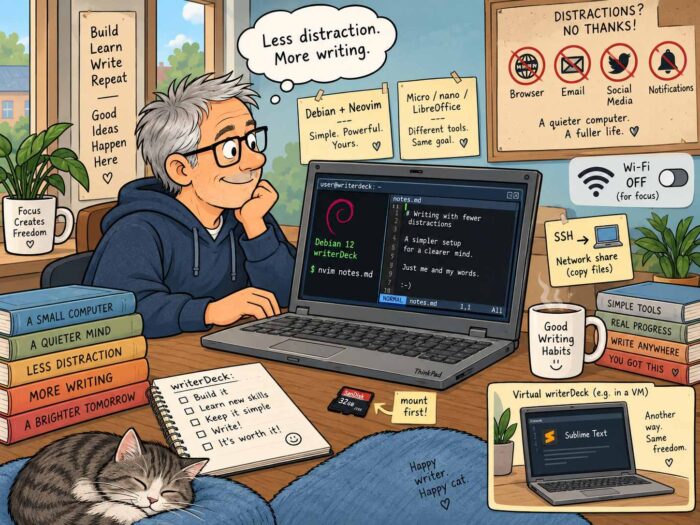
A writerdeck is one of those ideas that sounds almost too simple. Take a computer. Strip away almost everything that normally happens on a computer. Keep the tools you need to write. And then use it for exactly that: writing. No browser. No email. No social media. Preferably no notifications. Maybe not even a graphical desktop.
That is roughly the idea behind writerdeck.org (https://www.writerdeck.org/), a site dedicated to devices and setups designed specifically for writing. Some are commercial products. Others are built around Raspberry Pis, old laptops or custom keyboards and displays. Quite a few are wonderfully homemade. What they all have in common is that they try to create a computer that is primarily a writing machine.
Why build a writerdeck?
Most computers are general-purpose machines. That is obviously useful. The same laptop can be used for writing, browsing, email, video calls, research, watching videos, messaging and hundreds of other things. But that is also exactly what can make writing difficult. While working on an article, there is always something else available. Another website. Another message. Another email. Another notification. A writerdeck changes that. Instead of constantly asking yourself not to be distracted, you simply remove many of the distractions.
There is also another reason why I like the idea. It is fun to build one.
Starting with Debian
I came across this very useful article by Veronica Explained (https://veronicaexplains.net/my-first-writerdeck/) about building a writerDeck using Debian and Neovim. Her setup gave me a good starting point.
So I downloaded the latest Debian installer and installed it on an older HP EliteBook I had lying around. Debian’s installation process is very straightforward, and Veronica’s article provides some useful additional guidance if you’ve never installed a bare-bones Linux system before.
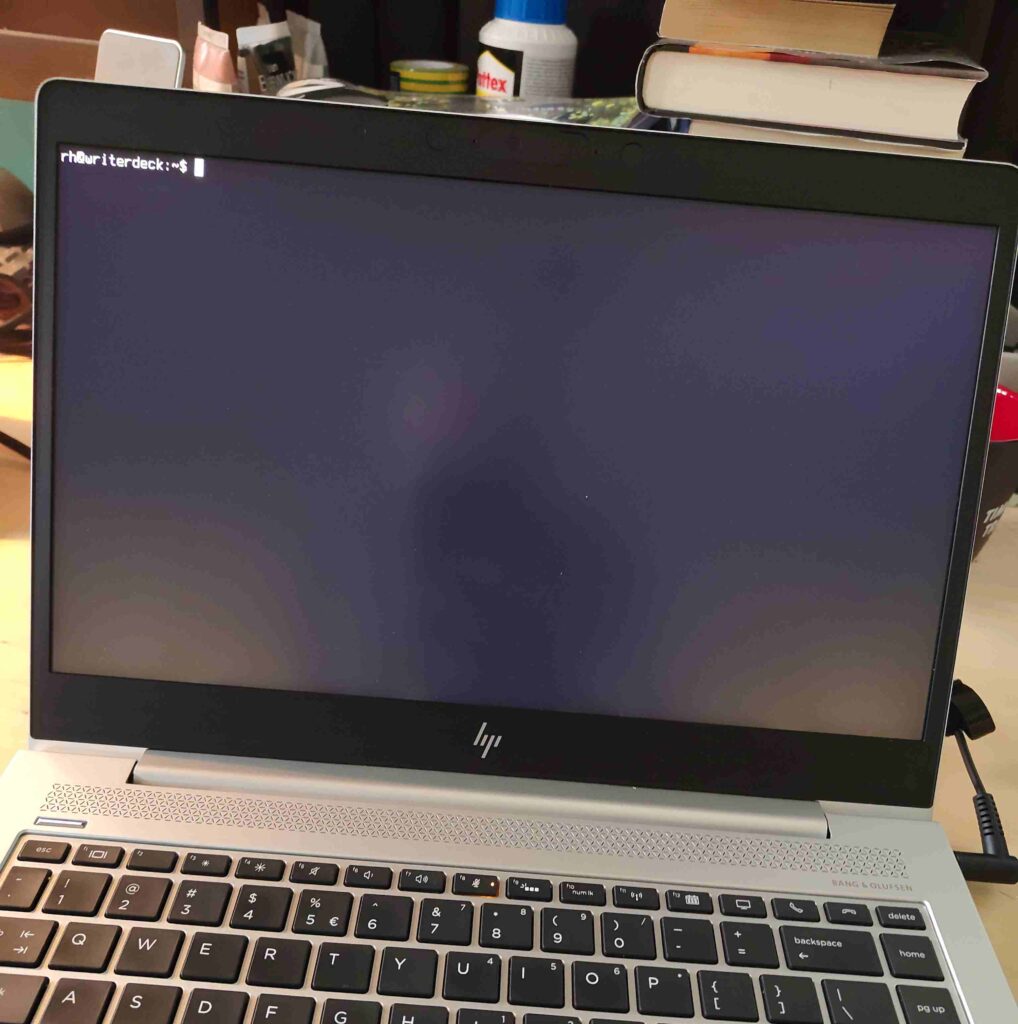
After installation and rebooting, you end up with something that feels wonderfully different from a normal computer. All you see is a terminal prompt. That is basically it. No desktop environment. No icons. No dock. No notifications. Just a prompt waiting for you. There is something quite satisfying about that.
Neovim
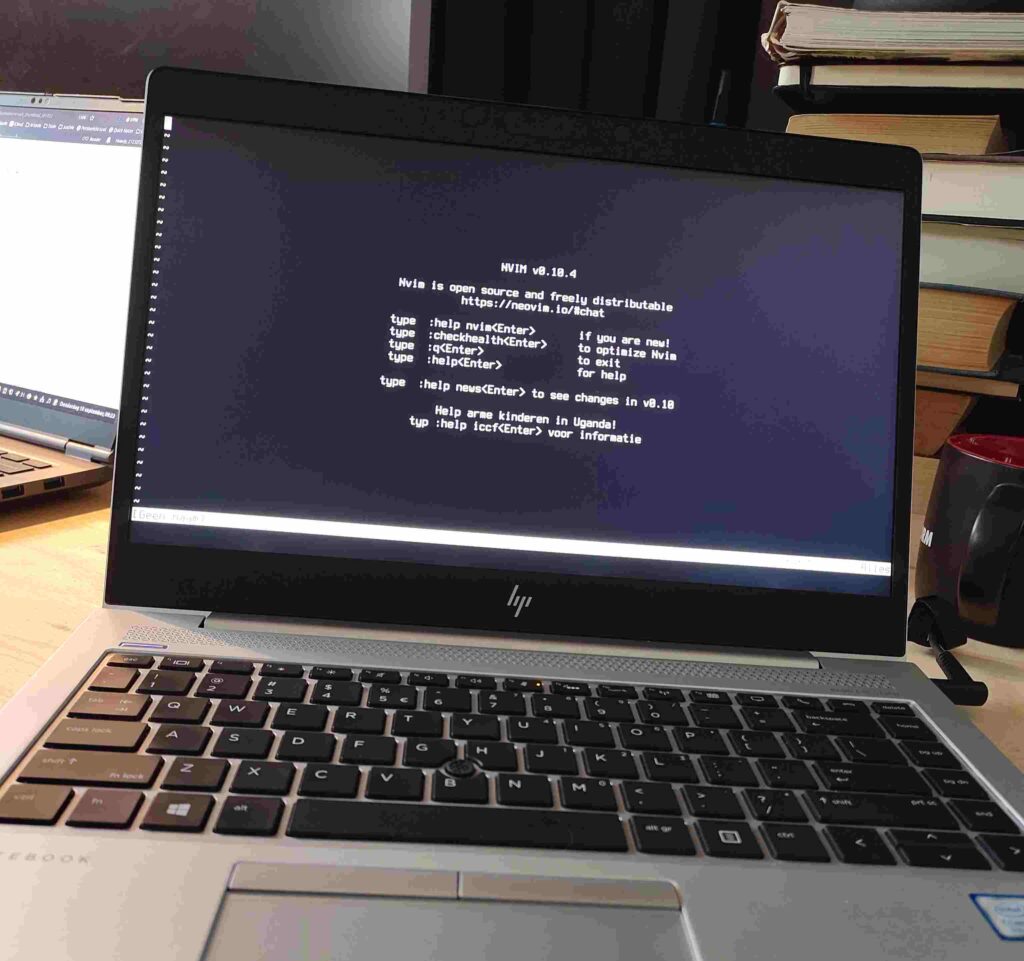
I want to write, so I need a text editor. My first editor was Neovim (https://neovim.io/). Installing it is easy. Learning to use it takes a bit more time. Well … a lot more time. Neovim works differently from editors such as Sublime Text, Notepad or TextEdit. It uses different modes, and some of its commands initially look rather cryptic. :w, for example, saves a file. At the same time, other commands are surprisingly readable (you guess what :saveas does).
Once you start understanding how Neovim works, though, it becomes clear why so many people like it. It is fast, powerful and very well suited to a keyboard-driven setup. There is definitely a learning curve. But that is not necessarily a disadvantage. For me, learning how Neovim works was part of the fun of building the writerdeck in the first place. I wasn’t only building a writing machine. I was learning a different way of interacting with a computer.
There are easier editors
You don’t have to use Neovim. If you like the idea of a terminal-based writerdeck but don’t want to spend quite as much time learning your editor, Micro (https://github.com/micro-editor/micro) is an interesting alternative. Micro will probably feel much more familiar to people coming from conventional text editors. It supports standard shortcuts such as Ctrl-S, Ctrl-C and Ctrl-V, and even supports mouse input.
Nano is another option and is often already available on Linux installations. It is simpler and more limited, but for writing plain text that may be all you need. You could also try Emacs (https://emacsdocs.org/docs/emacs/The-Emacs-Editor). Or Joe (https://joe-editor.sourceforge.io/), which has something of a WordStar feel. Yes, WordStar. Some people reading this may even remember it.
The important thing is that there is no single correct editor for a writerdeck. The whole point is to create something that works for you.
Getting your writing off the machine
Once I had the writerdeck working, another interesting question appeared: How do I get my text off it?
My first solution was a good old memory card. Insert it into a normal desktop computer and something usually pops up automatically. On a bare Debian/Linux system, nothing happens. You have to mount it yourself. That sounds more complicated than it actually is. It does mean using a few Linux commands that many people may never have encountered before, but after doing it a few times the logic quickly becomes clear.
The same applies to transferring files over a network. Yes, you need either a Wi-Fi or wired network connection. You can make sure one is configured during the Debian installation, or set it up afterwards using a tool such as nmtui. SSH can be used to move individual files or complete directories from your writedeck to another Linux system or a Macs. If you want to work with Windows computers, Samba is another option. You can even permanently mount a network drive and make it part of your normal directory structure.
A little help from AI
Again, none of this is particularly difficult. It is simply a little different from what most desktop users are used to. And that is exactly why I enjoyed it. You start discovering how things actually work underneath the graphical interface we normally take for granted.
There is a slightly amusing part to all this. Your writerdeck itself may not have AI. But another machine certainly can. If you don’t know how to mount a drive, use SSH or connect to a network share, an AI tool such as Claude or Mistral can explain the steps very quickly. That makes experimenting with this kind of setup much easier than it would have been a few years ago. The writerdeck remains simple. But learning how to build and configure it has become much easier.
Tiny text on modern screens
One small thing surprised me. Modern laptops (even my older Elitebook) have relatively high-resolution displays. That looks great in a graphical desktop environment. On a bare Linux console, however, the default text can suddenly look very small. Fortunately, that is easy to fix. With tools such as console-setup, you can change the console font and, more importantly, the font size. It is a small adjustment, but an important one if you plan to spend a lot of time writing.
After that, my basic writerdeck was essentially finished: Debian plus Neovim plus a keyboard plus a screen. Very little else. And it worked as intended: no distractions, just writing.
The limitations are part of the idea
There are, of course, things a writerdeck cannot do. That is not really a surprise. It is largely the point. If you don’t have a browser, you cannot quickly check a website while writing. If the machine is offline, you cannot search for a number, check a report or look up a quote. You also cannot use cloud-based AI tools for proofreading, rewriting or research.
For some writers, those limitations will be inconvenient. For others, they are exactly what makes the writerdeck useful. Because they create a very clear separation between writing and everything else. If you need research, you use another machine. If you need to check something online, you do that elsewhere. Then you return to the writerdeck and continue writing. That creates a very different working rhythm.
You can also compromise
A writerdeck does not have to be completely disconnected. You could install Syncthing (https://syncthing.net/) and automatically synchronise your writing with another computer. You could use a network share. You could connect the machine to the network only when you need to transfer files.
There are plenty of possibilities. You can decide for yourself where you want to draw the line. That flexibility is one of the things I like about the concept.
Or build a graphical writerdeck
There is also nothing stopping you from taking a completely different approach. Install Debian with GNOME, KDE, Cinnamon or XFCE. Install LibreOffice. Then switch Wi-Fi off. You still have a perfectly capable computer, but without the constant stream of online distractions. When you need to do some research, switch Wi-Fi back on. Find what you need. Then switch it off again.
That may sound less pure than running a bare Debian console, but purity is hardly the point. The point is focus. And if LibreOffice on a disconnected laptop gives you that focus, then that is a perfectly good writerdeck.
What exactly causes the distraction?
Building my writerdeck also made me think more carefully about what actually distracts me when I write. It isn’t necessarily the internet itself. Often it is notifications. An email arriving is not much of a problem if I don’t know it arrived. The same applies to Signal or WhatsApp.
The real interruption is the popup appearing in the corner of the screen while I’m halfway through a paragraph. Websites do the same thing. Calendars do it. Apps do it. Modern computers are very good at constantly asking for our attention. A writerdeck solves that problem in a very direct way. Those things simply aren’t there.
My virtual writerdeck
Interestingly, my experiment also changed the way I use my normal work laptop. That machine is obviously connected to the internet. But I now keep notifications switched off.
I also use several desktops, or workspaces. One is my normal working environment. It has email, browser windows and all the usual tools. Another workspace contains almost nothing. Just Sublime Text (https://www.sublimetext.com/). When I switch to that workspace, it feels different. The browser still exists, but somewhere else. Email still exists. The internet is still connected. But none of it is directly in front of me.
That separate environment (it is actually workspace #4 on my laptop) has effectively become a kind of virtual writerdeck. And it works surprisingly well. I can move between two very different environments on the same physical laptop. One is connected and full of tools. The other is deliberately simple and focused almost entirely on writing. For now, that combination works extremely well for me.
I am still glad I built the real one
That does not make the physical writerdeck pointless. Quite the opposite. I am very glad I built it. It works. It gives me a very focused writing environment.
And perhaps even more importantly, I learned a lot while building it. I learned more about Debian. I learned how terminal-only systems behave. I learned more about mounting drives, networking and moving files between machines. I learned enough Neovim to understand why people enjoy using it. And I started thinking much more carefully about what kind of working environment actually helps me write. That alone made the experiment valuable.
There is no single writerdeck
The more I think about writerdecks, the more I like the fact that there is no one correct implementation. Maybe yours is Debian and Neovim. Maybe it is Debian and Micro. Maybe it is an old ThinkPad running LibreOffice with Wi-Fi switched off. If you have a really old 486 desktop machine lying around somewhere, why not build a writerdeck based on FreeDOS (an open-source version of MS-DOS, https://freedos.org/) and a text editor? Or maybe it is a Raspberry Pi attached to a mechanical keyboard. It could even be a dedicated commercial device. All of those approaches can work. The interesting part is figuring out which one works for you.
As usual, my experiment is n=1 research. My setup works for me. Yours may be completely different. And that is exactly what I like about this kind of thing. I see experimenting with apps, operating systems, hardware and workflows as a hobby in itself. You can keep changing your working environment until it fits the way you work. And when your requirements change? You simply change it again.